Cash warnings
Running-low warnings switch on once wages, overheads and a dated bank balance are entered.
Invoicing and cash flow
Deposits, stage payments and final invoices come straight from the proposal your client signed. Then Flow turns signed work into a 12-month cash flow forecast, with honest warnings about what it can and can't check.
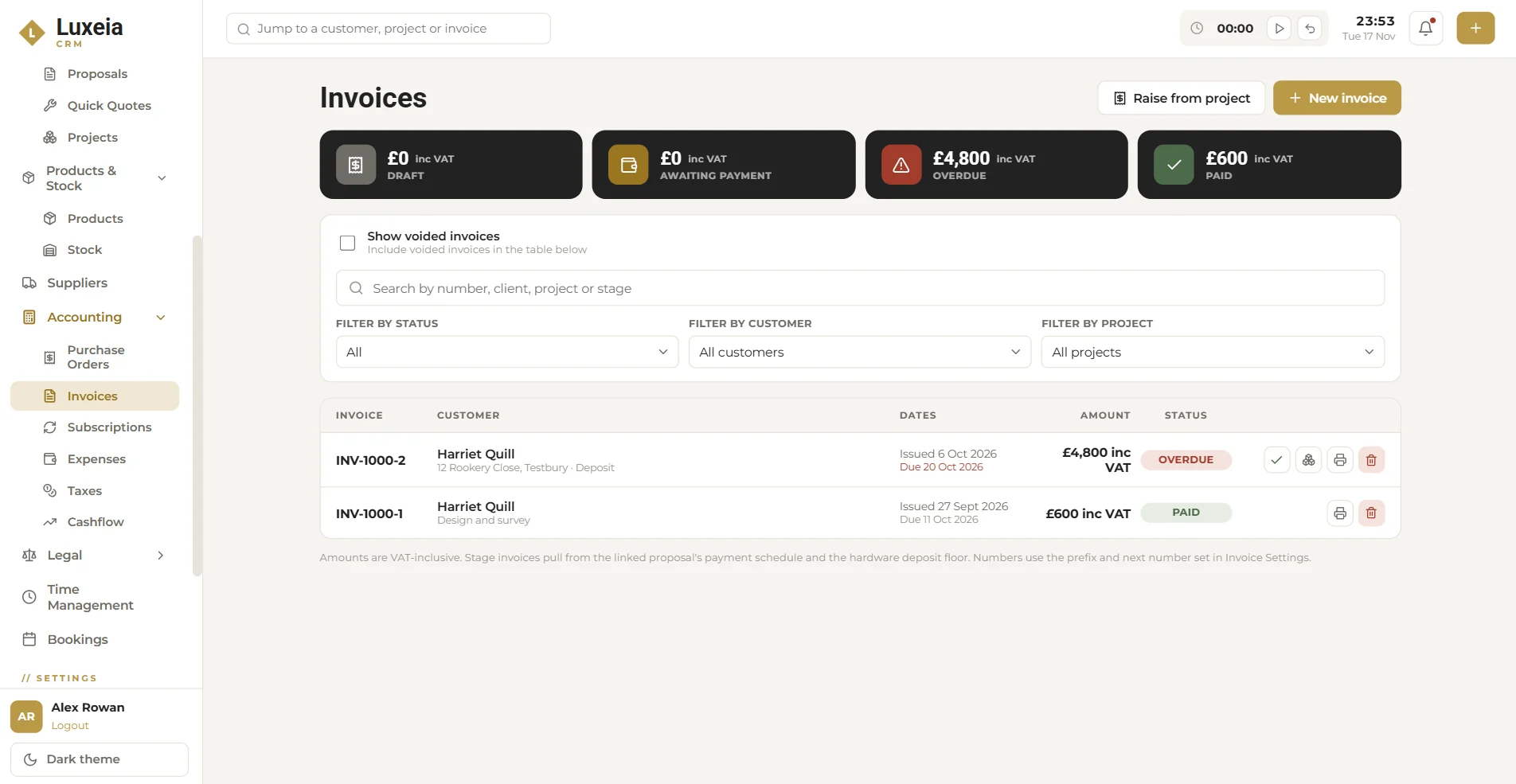
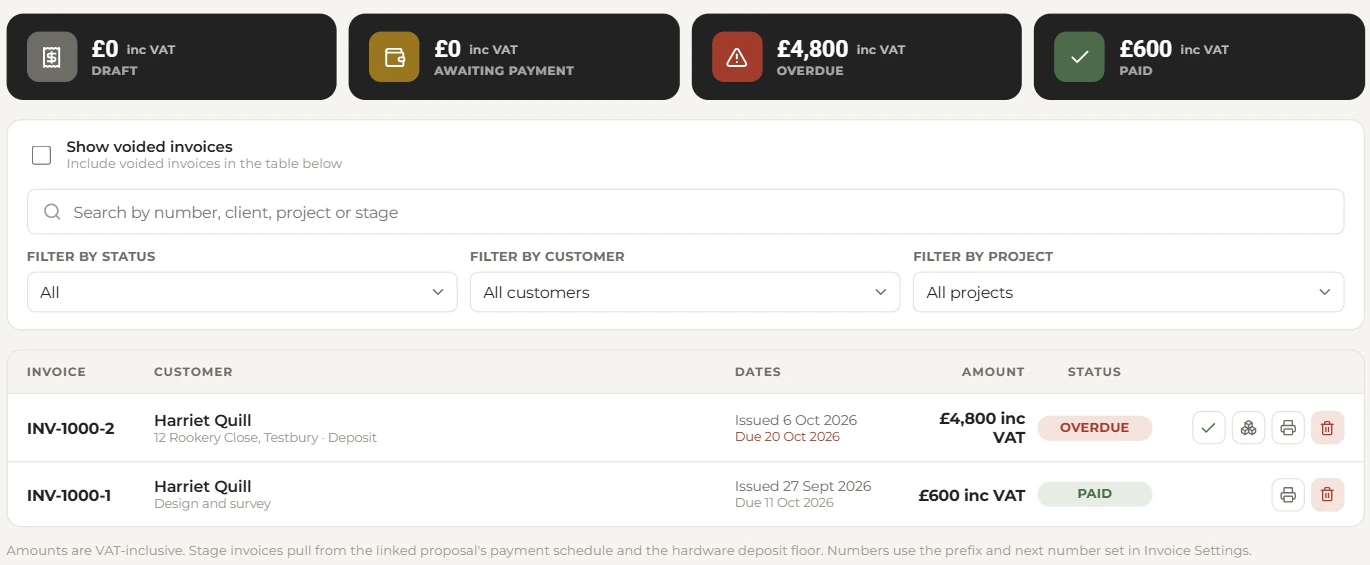
Invoices
Raise invoices from a project and Flow pulls the amounts from the linked proposal's payment schedule and the hardware deposit floor. No recalculating percentages in a spreadsheet, no deposit raised for the wrong figure.
Cash flow
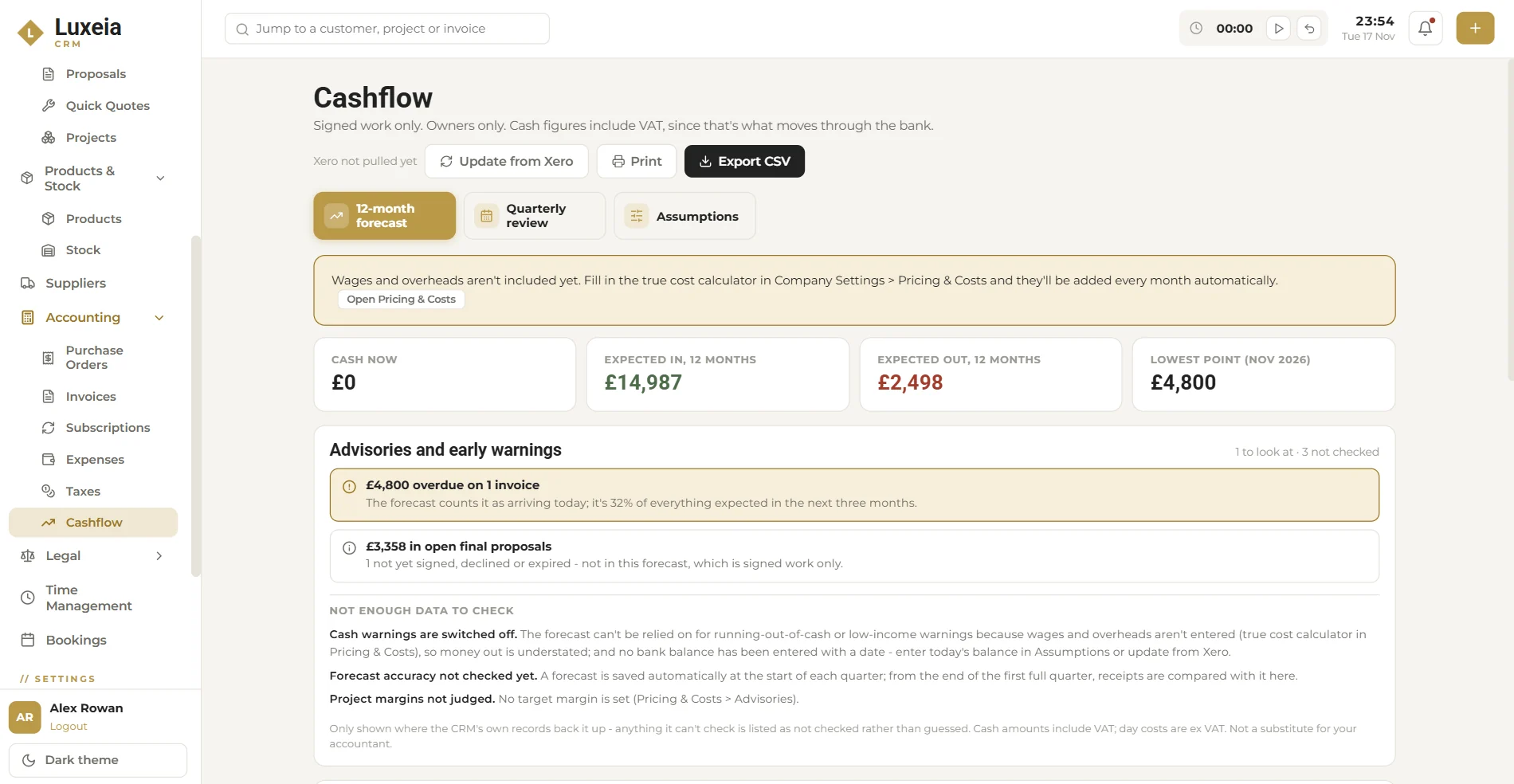
Cash flow shows what you have now, what's expected in and out over the next 12 months, and your lowest point. Switch between the 12-month forecast, a quarterly review and your assumptions. Cash figures include VAT, because that's what moves through the bank.
Honest numbers
Flow tells you when it doesn't have enough data to judge something, rather than guessing.
Running-low warnings switch on once wages, overheads and a dated bank balance are entered.
A forecast is saved each quarter, then compared with what actually came in.
Set a target margin and Flow judges projects against it.
Cash flow is visible to owners only. It isn't a substitute for your accountant.
Expenses and taxes
Record expenses and keep your tax settings in one place, alongside purchase orders, invoices and subscriptions in Accounting.
FAQ
Yes. Cash flow can update from Xero to bring in your bank balance.
Invoice amounts are shown including VAT, and cash flow figures include VAT because that's what moves through your bank.
Cash flow is for owners only.
Start a 30-day free trial. No card needed. Or book a demo and we will walk you through it.